
Gabe Quiz
Rank stuff with friends.


How It Works
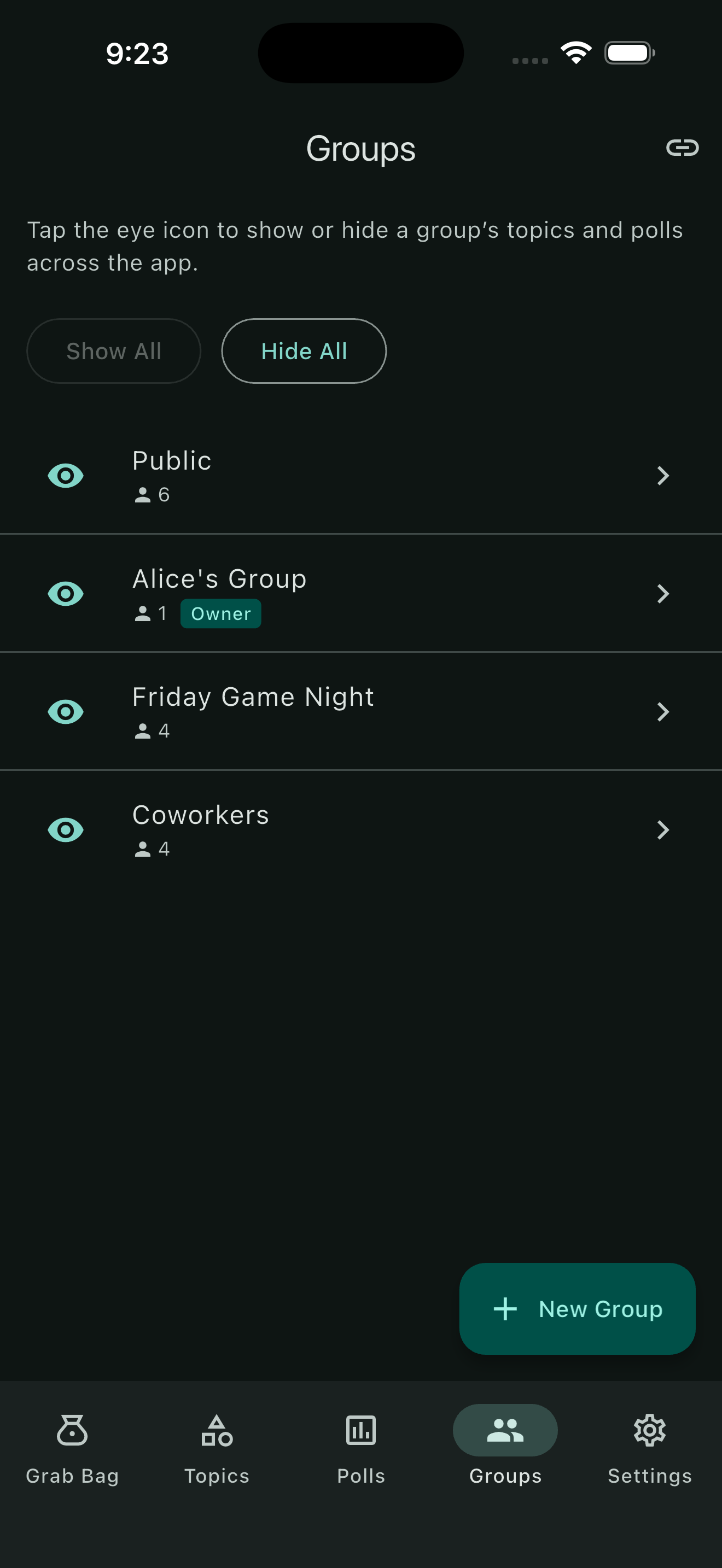

Form Your Group
Invite people to your group or join someone else's.
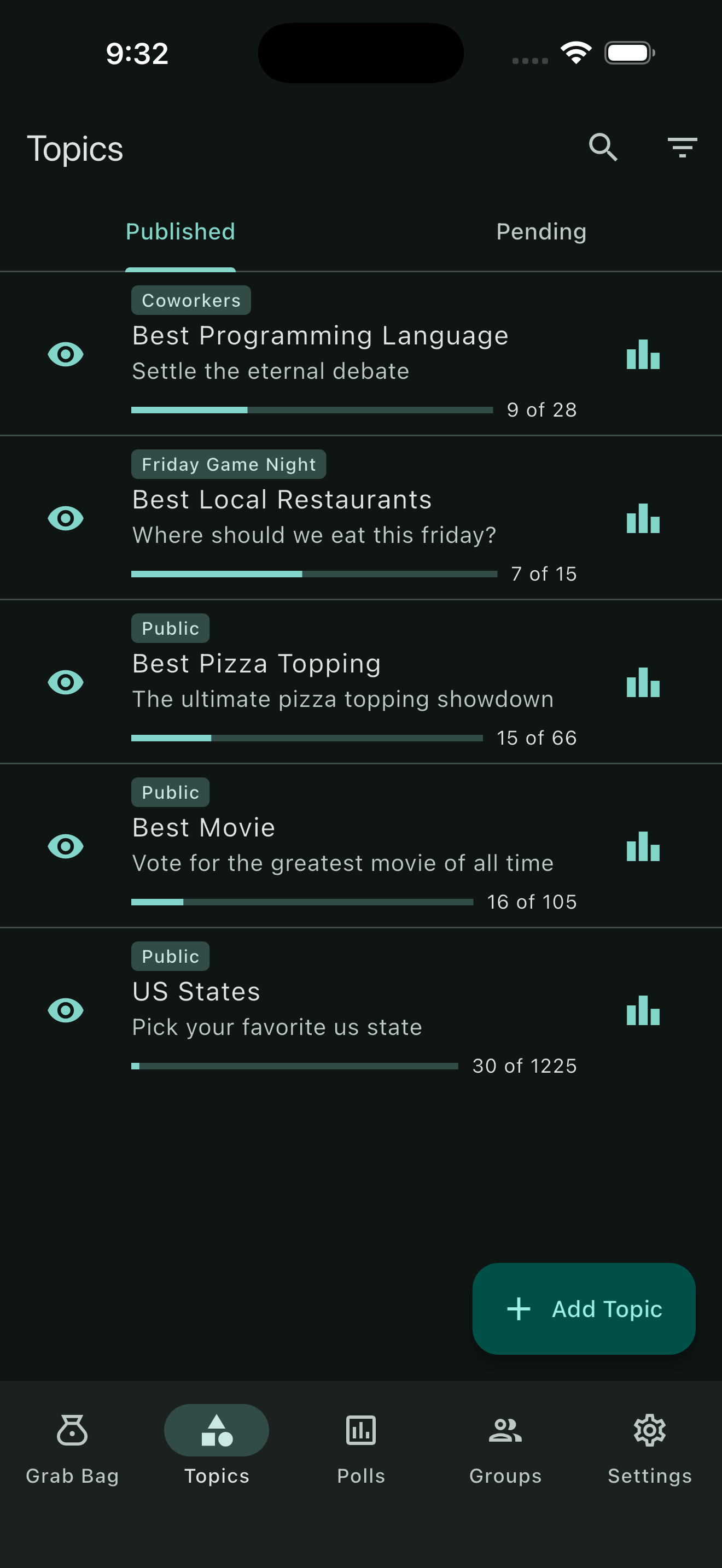
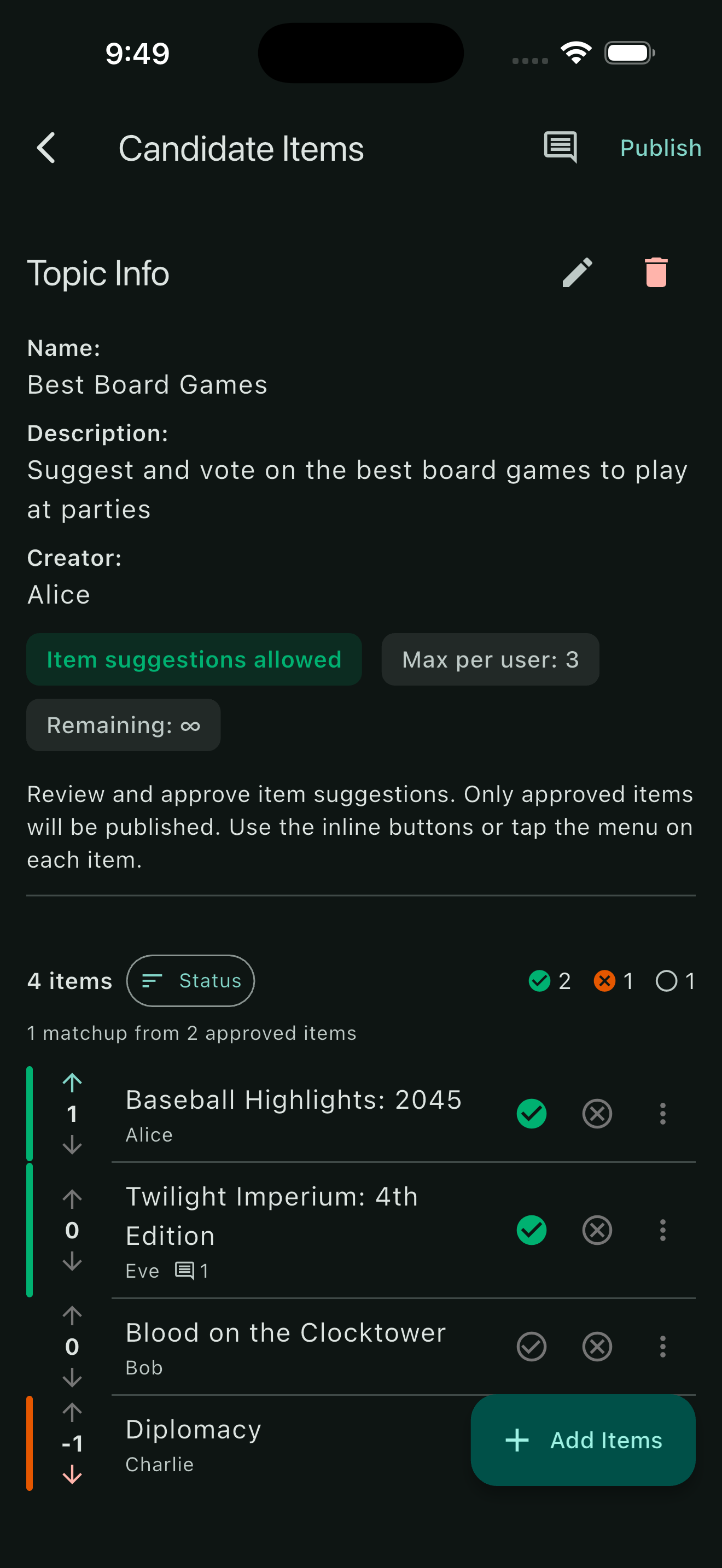
Create a Topic
Start by creating a topic and adding the items you want to rank. You can allow other group members to contribute items and provide feedback. Publish the topic when you're ready to start ranking.
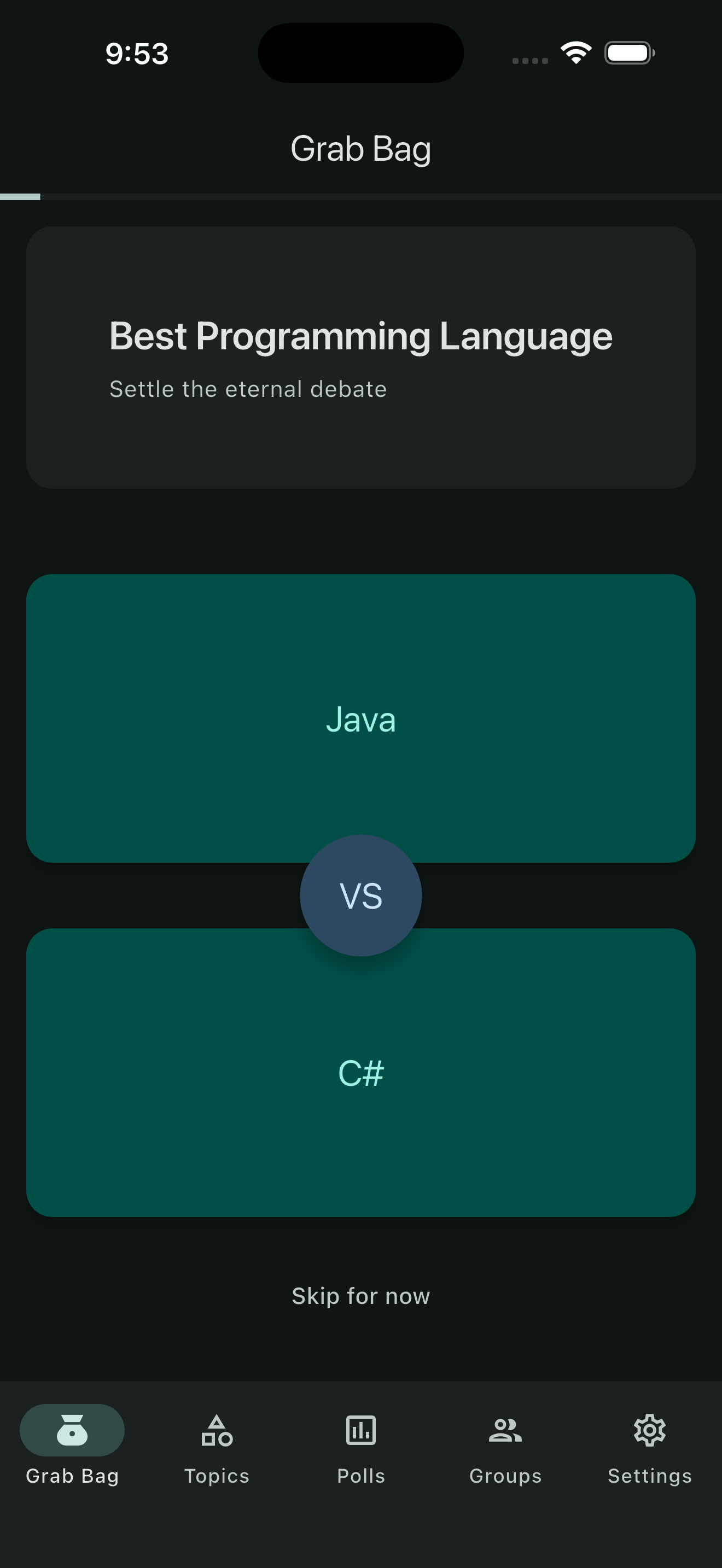
Vote on Matchups
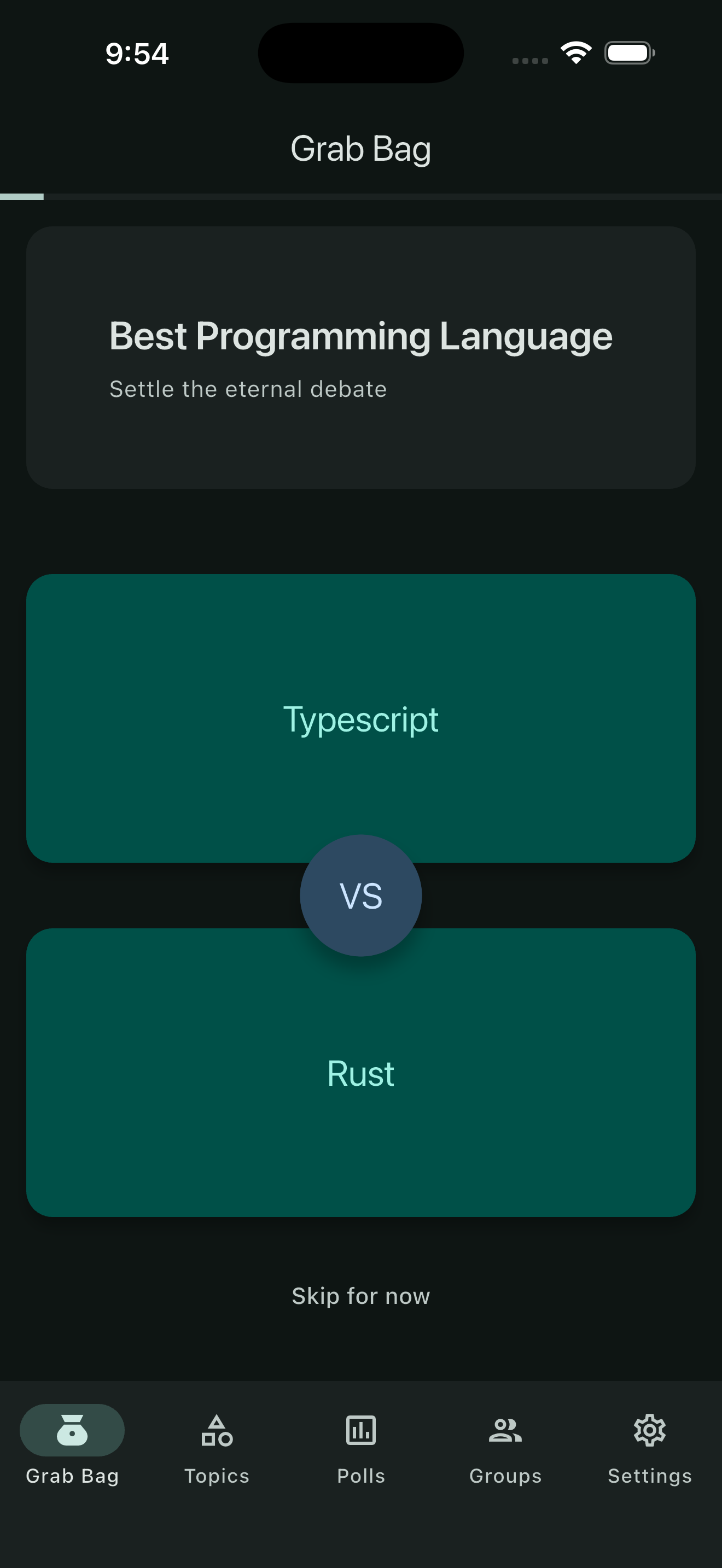
Items go head-to-head in one-on-one matchups. Tap your pick to cast your vote. Skipping a matchup moves it to the back of the queue. You can rank a specific topic's items or work through a curated assortment of topics in the Grab Bag.
See Live Rankings & Insights
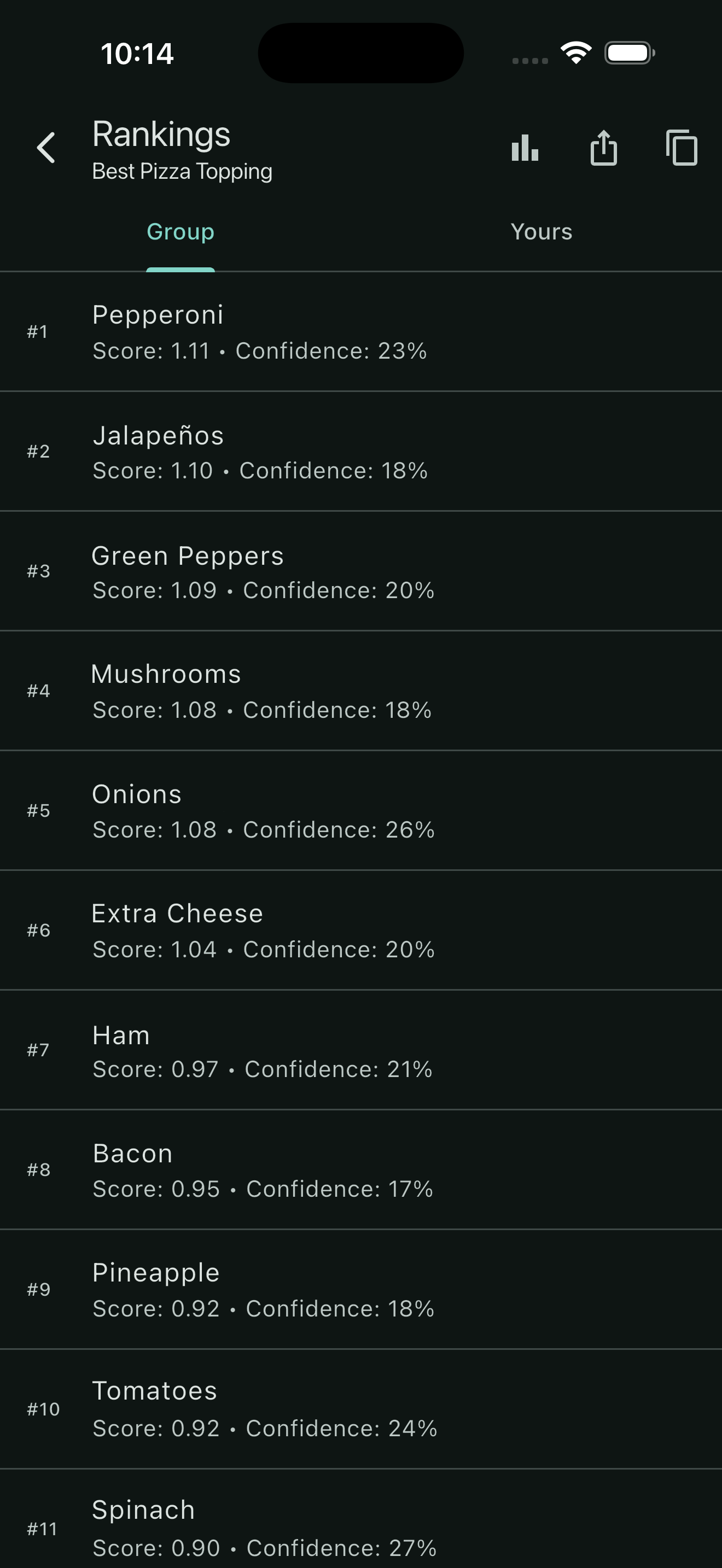
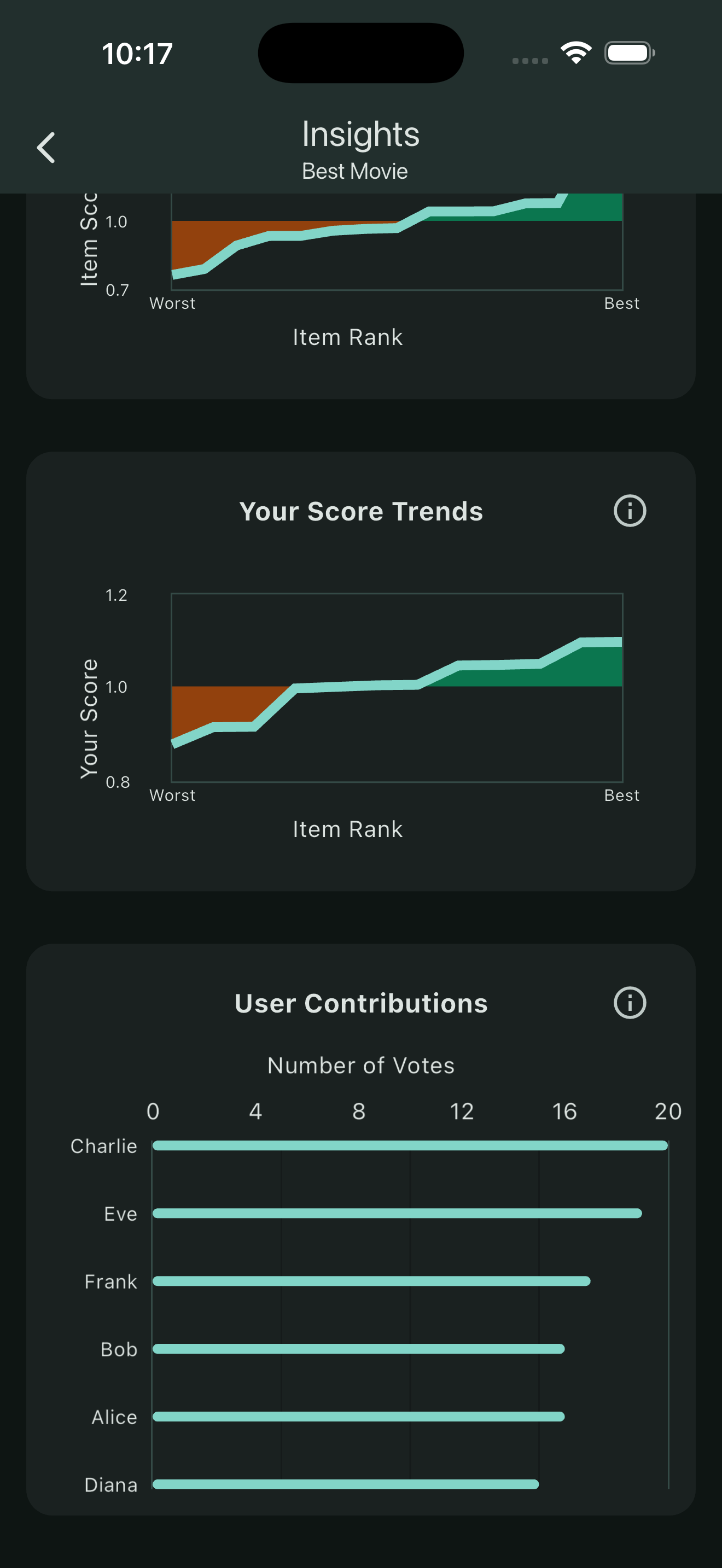
Rankings update in real time as votes roll in. See where each item stands, discover what your group collectively values most, and settle debates once and for all. You can also see your personal ranking results. Insights let you see score trends and user contributions.

Run Quick Polls
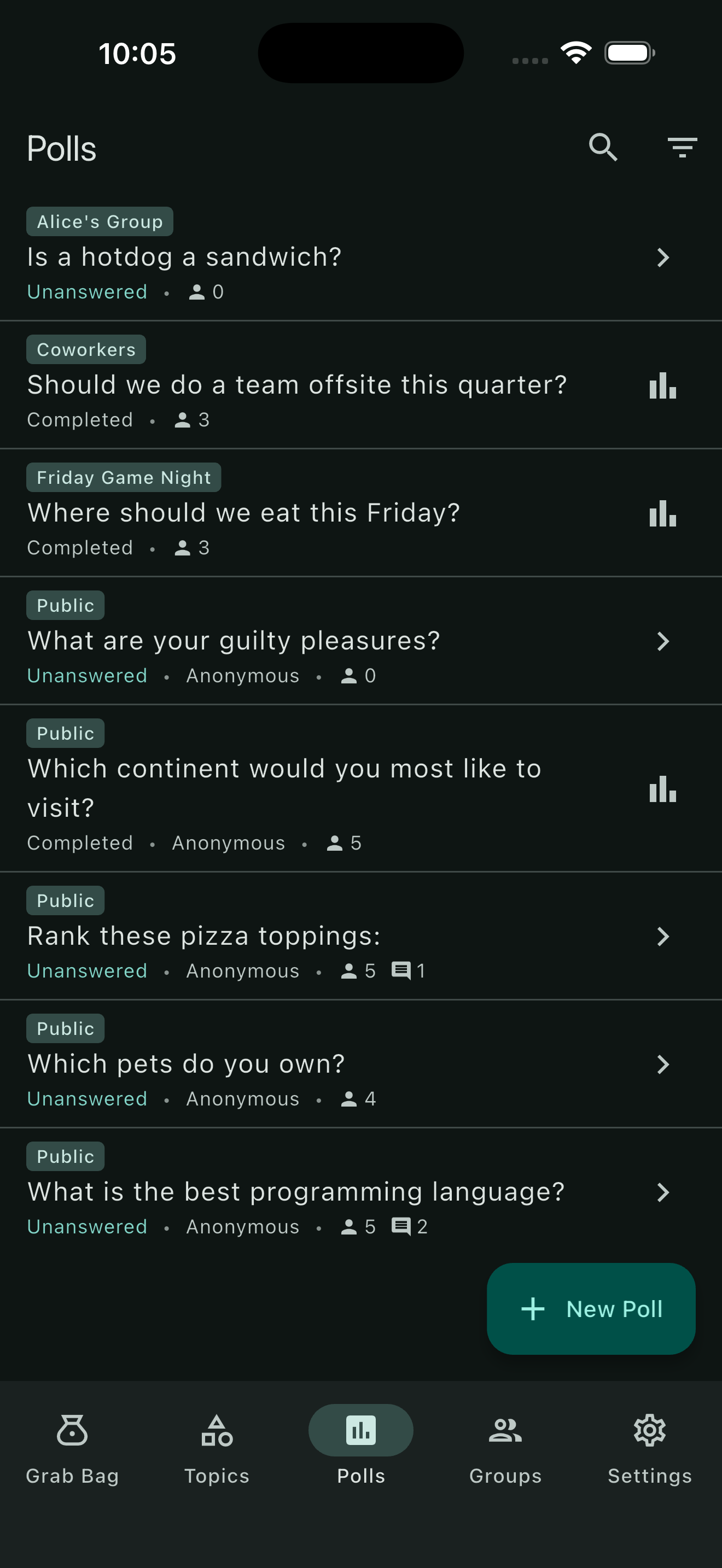
Need a fast answer? Create a poll and share it with your group. See instant results as responses come in. Poll responses can even be anonymous.
Free & Premium
Upgrade for fewer limits. Cancel anytime.
| Feature | Free | Premium |
|---|---|---|
|
Groups
You can join unlimited groups. This limit only applies to groups you create. |
1 | Unlimited |
| Published topics | 1 | Unlimited |
| Items per topic | 16 | 64 |
| Polls | 3 | Unlimited |
| Limit polls to specific group members | No | Yes |
|
Data export
Save group and personal rank results to a CSV or copy the full rankings to your clipboard. |
No | Yes |
|
See other members' rankings
See how anyone else in your group ranked a topic, not just the group result and your own. |
No | Yes |
|
Compare rankings
Compare two people head-to-head with an agreement score, biggest clashes and more. |
No | Yes |